START WITH YOUR QUESTION
How to Make a Raindance AI Video: Solo or Duo
Choose one photo for a solo Raindance clip or two for a duet. Generate inside this guide and learn the photo order, output lengths and review steps.
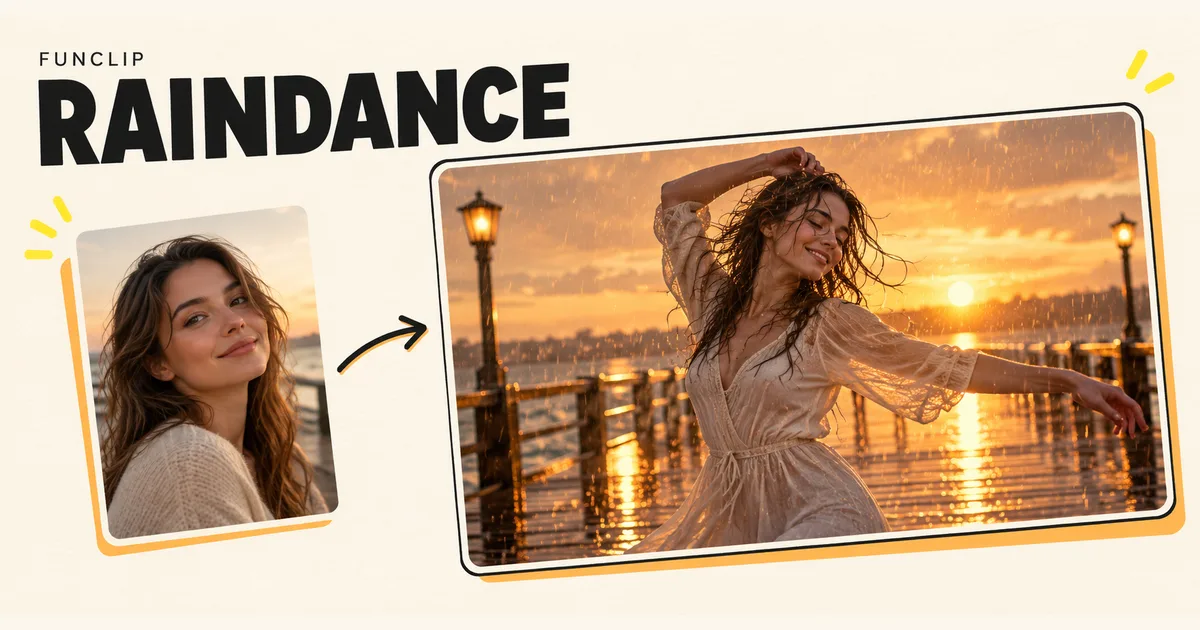
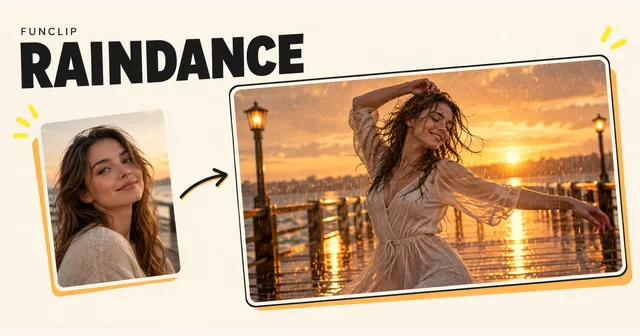
Make a Raindance AI video by choosing Solo for one adult photo or Duo for two adult photos, then generating in the editor below. On FunClip, solo produces a 10-second clip and duo produces an 8-second clip. Both use the 768P tier and portrait 9:16 format. Choose the cast first: changing the mode changes the photos the generator needs.
Choose solo or duo before adding photos
Solo is useful when one person should remain the focus. Duo is for two people appearing in the same performance. It is not a way to create two independent solo videos in one purchase.
For duo, prepare a separate portrait of each consenting adult. Check which person you placed in each labelled slot before generating. Use photos with similarly clear faces so the model has useful identity information for both people. If one input is a sharp portrait and the other is a tiny face from a group photo, the weaker photo is still a limitation.
A matching background is unnecessary. Focus on face visibility and the clothing you want the model to see. For movement, a crop that includes the upper body or more of the outfit can be more informative than a face-only cutout. Do not stretch a low-resolution photo to make it appear larger.
Generate a Raindance clip here
- Select Solo or Duo in the generator.
- Add the required one or two photos and check the previews.
- Sign in, confirm that you may use the photos, and review the credit cost.
- Start the generation once, then wait for its result.
- Watch the full clip and download the MP4.
The current template has a mode selector, but no custom notes, background picker or manual duration control. Selecting duo deliberately changes the output length from 10 to 8 seconds. Uploading two copies of one photo does not create a longer solo clip.
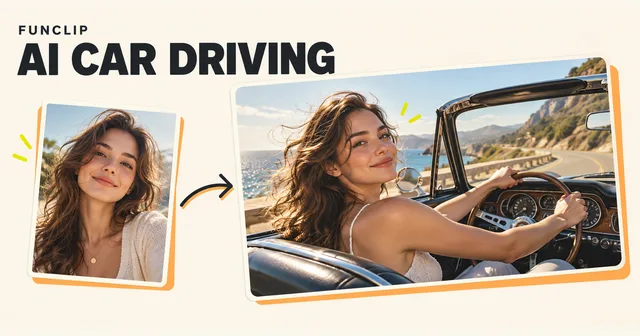
The cover is a conceptual illustration. Use the playable example and the specifications in the generator to judge the format before buying.
Plan for the shorter duo sequence
Eight seconds leaves little room for several distinct actions. Treat the duo result as one shared moment rather than a story with an introduction, separate solos and a finale. The generator controls the sequence; the photo slots do not correspond to points on a timeline.
For a pair, look at both faces throughout the clip. One person can look convincing while the other changes during a turn. Also inspect the space between them when arms overlap. The system can synthesize movement and scenery, but exact likeness, synchronized gestures and consistent details are not guaranteed.
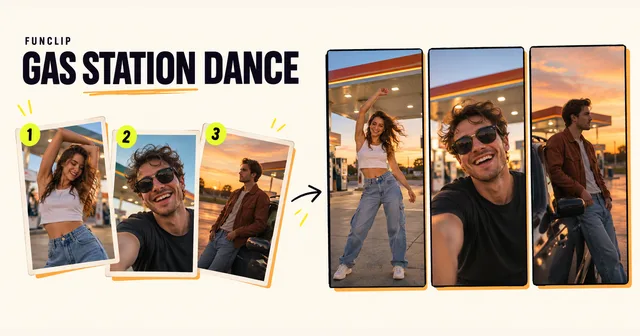
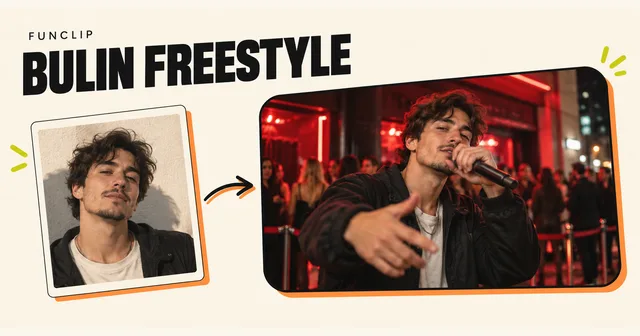
If your aim is a two-person microphone performance with an original English rap theme, the Hotel Lobby tool is a different format. If you need three assigned roles, use the Gas Station Dance guide.
Decide what to do with the sound
This Raindance template has no audio upload or song selector. It does not promise the original trend recording, exact lyrics or a particular artist's voice. Listen to the downloaded result instead of assuming it has the same soundtrack as a public example.
If the visual performance is useful but the sound is unsuitable, mute or replace the sound in your editor. Choose music you have permission to use for the intended post. Trimming the video to match a beat is a separate editing step after generation.
Check the result before starting again
Review faces during head turns, hands near faces, clothes around the shoulders and the opening and ending frames. For a duo, compare each person to the correct original photo. When the cast is wrong, first check upload order and mode rather than immediately buying another attempt.
A new generation can vary even with the same photos. A clearer reference may help, but the tool has no individual-frame correction or guarantee that repeating the request will fix one detail.
Cost and recovery
Solo and duo each cost 100 standard credits for a complete video; duo does not charge per person. Shared packs are $9.90 for 100, $18.90 for 200 or $44.90 for 500 credits, valid for 365 days. They are one-time purchases, with no free trial or subscription renewal.
If a task is pending, check My clips with the same account before submitting again. Closing the page does not cancel generation. Technical failure restores the charged credits for that task, not an automatic cash refund. A completed result with unwanted movement still counts as a generation.
Save the MP4 while signed in, then share the file. A private account result link is not a public viewing link.