
START WITH YOUR QUESTION
AI Rap Video Guides & Photo Tips
Learn to make AI rap videos, choose clear portraits and create a birthday clip. Follow practical guides with the generator built in, or explore other video effects.
 01
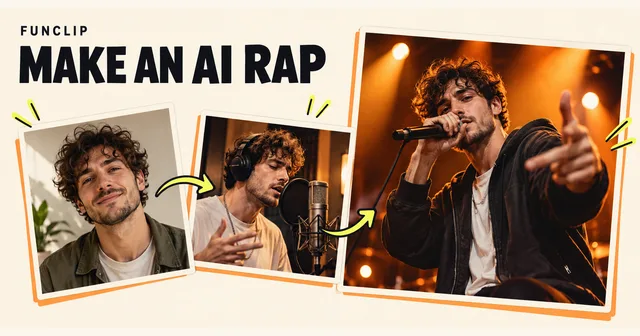
AI Rap video guide
Learn how to make an AI rap video with one or two photos. Follow the scene and video steps, review costs and generate your clip inside this guide.
Read the guide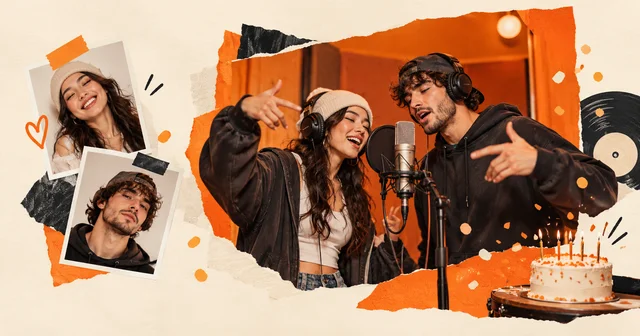 02
Birthday rap video
Create a birthday rap video from one or two adult photos. Follow the scene and video steps, check costs and use the birthday preset in the embedded generator.
Read the guide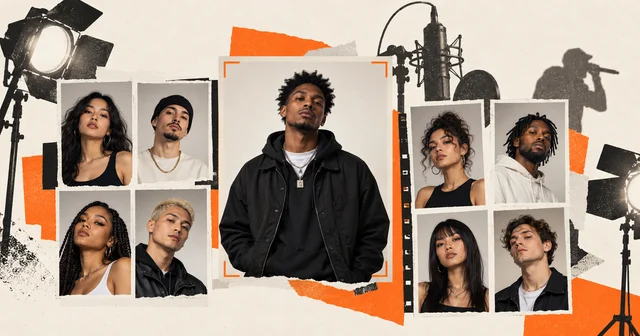 03
Photos for AI rap videos
Choose clear portraits for solo or duo AI rap videos. Check lighting, cropping, formats and file limits, then try your photos in the generator on this page.
Read the guide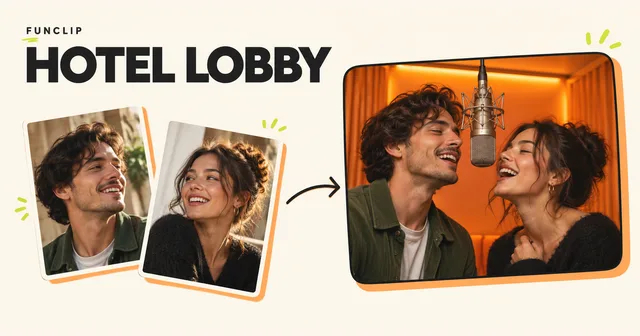 04
How can I make a rap video of me and a friend?
Turn two adult photos into a Hotel Lobby AI duet in an orange studio. Generate a 10-second 768P MP4 with a one-time purchase.
Read the guide 05Which photos work if we don't have one together?
Use one clear portrait per person. See how to crop each face and check who appears on the left and right.
Read the guide 06How much does it cost to make one video?
Compare the 1-, 2- and 5-video packs, with no subscription, and see what happens if a generation step fails.
Read the guide07Hotel Lobby and Migos AI trend explained
Understand the Hotel Lobby and Migos AI trend, its Quavo and Takeoff COLORS reference, and how original audio differs from a new AI duet.
Read the guide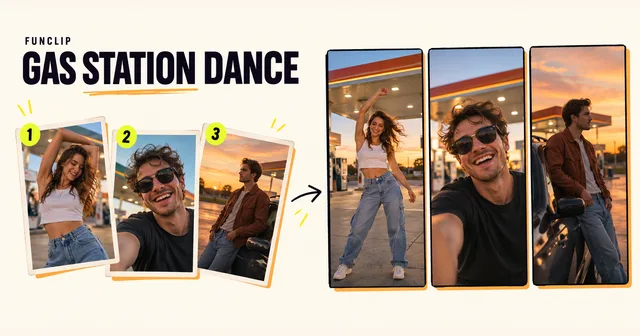 08
Make a Gas Station Dance video from three photos
Choose three photos, assign all four shots and check the returning selfie. See a real FunClip example, output limits and one-time generation costs.
Read the guide 09Gas Station Dance prompt and CapCut workflow
Use a four-shot Gas Station Dance prompt, plan a CapCut edit and compare both workflows with a fixed photo template. Includes role mapping and fixes.
Read the guide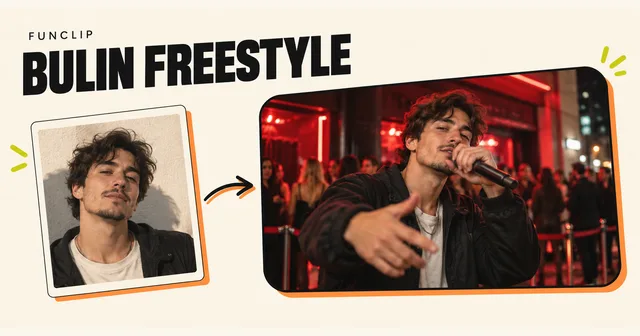 10
Bulin AI video guide
Create a 15-second Bulin-style performance from one adult photo. Use the generator in this guide, choose a useful portrait, and check the result before sharing.
Read the guide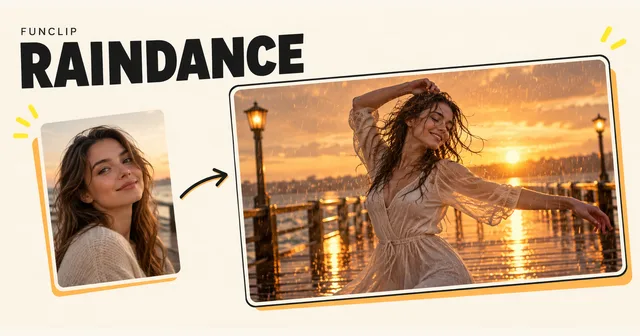 11
Raindance AI guide
Choose one photo for a solo Raindance clip or two for a duet. Generate inside this guide and learn the photo order, output lengths and review steps.
Read the guide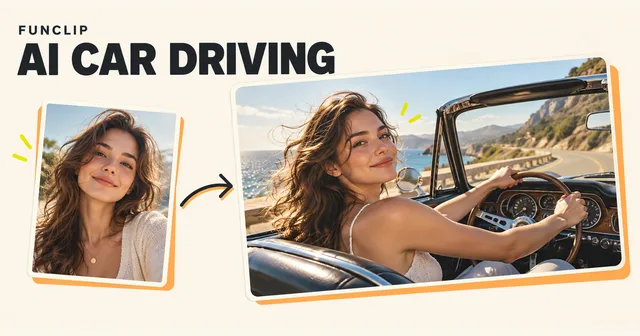 12
AI car driving guide
Put one adult portrait into a five-second driving scene. Choose a car and road, add a short optional note, and generate directly in this guide.
Read the guide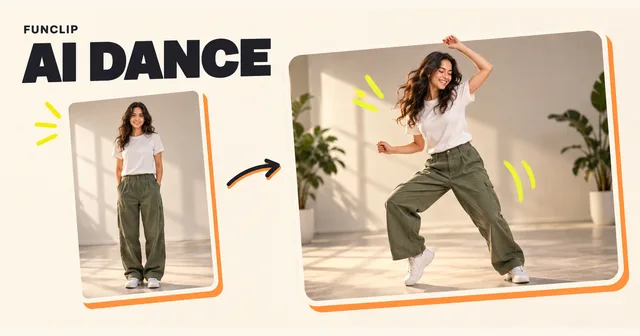 13
AI Dance photo guide
Turn one adult photo into a short dance clip. Choose a preset, duration and aspect ratio, then use the real generator embedded in this guide.
Read the guide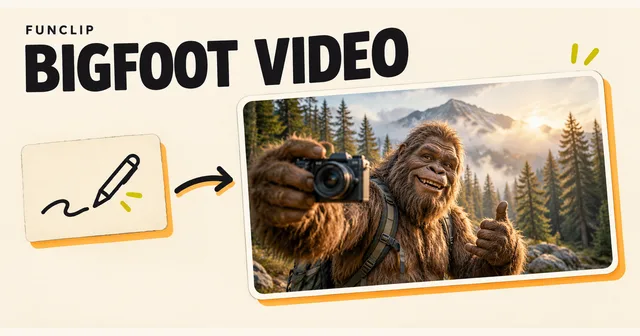 14
Bigfoot AI video guide
Create a short Bigfoot scene with optional photo guidance. Use the embedded generator, choose a format and write a focused prompt for one clear moment.
Read the guide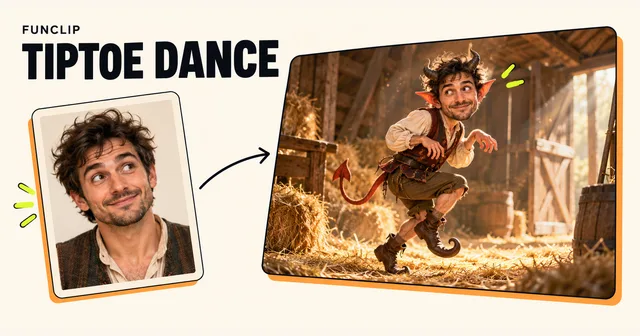 15
Rumpelstiltskin trend guide
Use one adult portrait for FunClip’s fixed tiptoe-dance template. Generate in this guide and understand the reference, nine-second output and likeness limits.
Read the guide16Can You Do the Hotel Lobby AI Trend for Free?
Compare a limited free AI route with filming your own Hotel Lobby video. Check watermarks, two-person limits and exports; FunClip generation is paid.
Read the guide17Hotel Lobby Trend in Kapwing: Photos, Motion and Audio
Prepare two character references for the Hotel Lobby trend in Kapwing, review the motion setup, and check the audio edit before exporting.
Read the guide18Hotel Lobby Trend in Viggle AI: Two-Person Setup
Plan a two-person Hotel Lobby swap in Viggle AI, assign character photos, check free-plan limits and review both identities before downloading.
Read the guide19Hotel Lobby Trend in Higgsfield: Reference Workflow
Plan a Hotel Lobby-style video in Higgsfield with motion and identity references. Check the selected mode, generation cost, faces and audio.
Read the guide20Hotel Lobby Lyrics: Original Song and COLORS Video
Find Hotel Lobby lyrics on Apple Music, watch Quavo and Takeoff’s original COLORS performance, and understand the audio used in AI trend videos.
Read the guide 21What if a face, gesture or lip-sync looks wrong?
Try a clearer portrait or simpler movement, then review the whole result before generating another version.
Read the guide