
01
Pick your duo
Upload one clear photo of each adult. You and a friend, a couple, or two photos you have permission to use.
HOTEL LOBBY · THE FIRST DROP
You. Your bestie. An orange studio. Turn two photos into a ridiculously fun AI rap video — made for the group chat.
Make my videoFrom $9.90 · No subscription
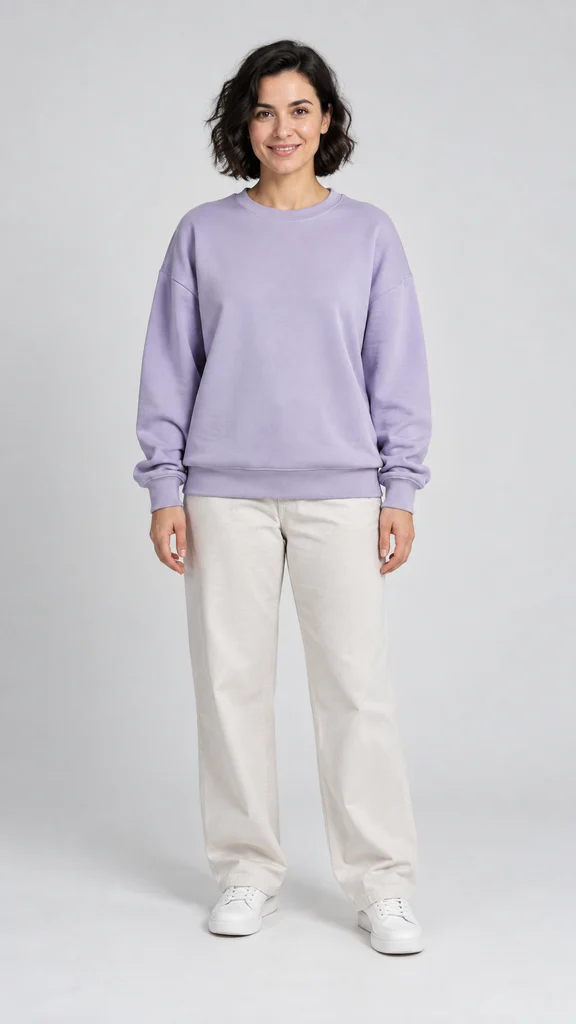
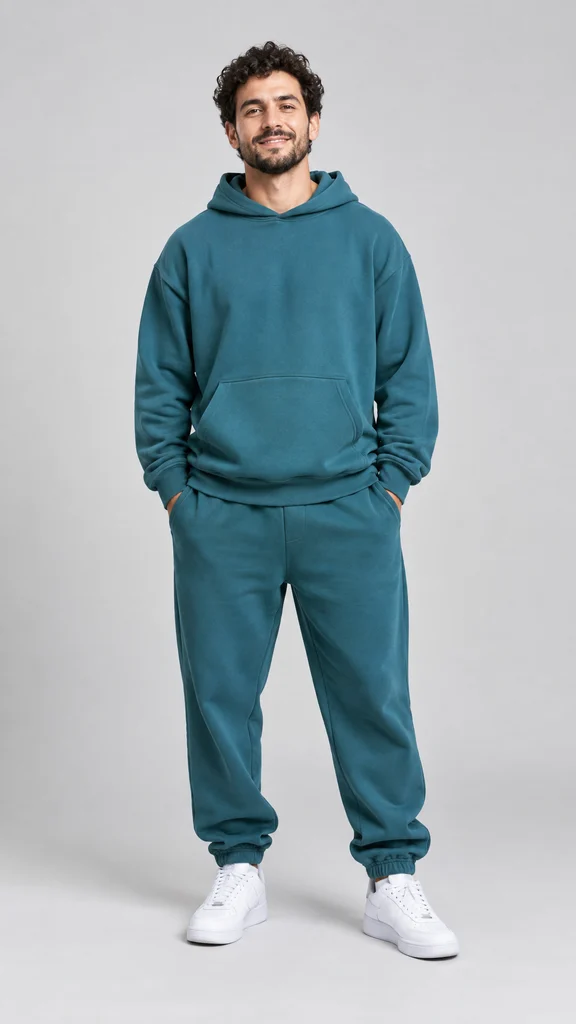
AI-generated example · fictional people
FROM CAMERA ROLL TO MAIN CHARACTER
Upload one clear photo of each adult. You and a friend, a couple, or two photos you have permission to use.
Create your orange-studio scene and check both faces before you animate it.
Make your 10-second video with original audio, then preview and download the MP4.
YOUR TURN
Two clear faces. One unforgettable entrance. Choose portrait for your feed or landscape for the big screen.
Adults only. Upload photos you have permission to use. AI results can vary.
One-time purchase · Valid for 365 days
Technical failures restore this step’s allowance. A new version uses a new allowance.
SMALL PLANS. BIG MAIN-CHARACTER ENERGY.
Pay once. Make them whenever inspiration hits.
1 video
$9.90 USD
One-time purchase · Valid for 365 days
Choose Solo10 seconds · 1080p · Audio · MP4 download
2 videos
$18.90 USD
One-time purchase · Valid for 365 days
Choose Duo10 seconds · 1080p · Audio · MP4 download
5 videos
$44.90 USD
One-time purchase · Valid for 365 days
Choose Party10 seconds · 1080p · Audio · MP4 download
All packs include both people in every video. Solo, Duo and Party are video quantities. Use within 365 days. New versions use another video allowance.
No. Solo gives you one video, Duo gives you two, and Party gives you five. Every Hotel Lobby video starts with two photos.
No. Your video has AI-generated original rap audio and a studio-inspired setting. It does not reproduce the original song, artist voices or exact choreography.
If a generation step fails technically, its allowance is restored so you can retry. A completed result or a new version uses your allowance. Contact support from your account for a billing issue.
Yes. Preview it here and download the MP4. Save a copy for yourself. Avoid sharing a result link unless you want others with that link to see it.