START WITH YOUR QUESTION
Can You Do the Hotel Lobby AI Trend for Free?
Compare a limited free AI route with filming your own Hotel Lobby video. Check watermarks, two-person limits and exports; FunClip generation is paid.
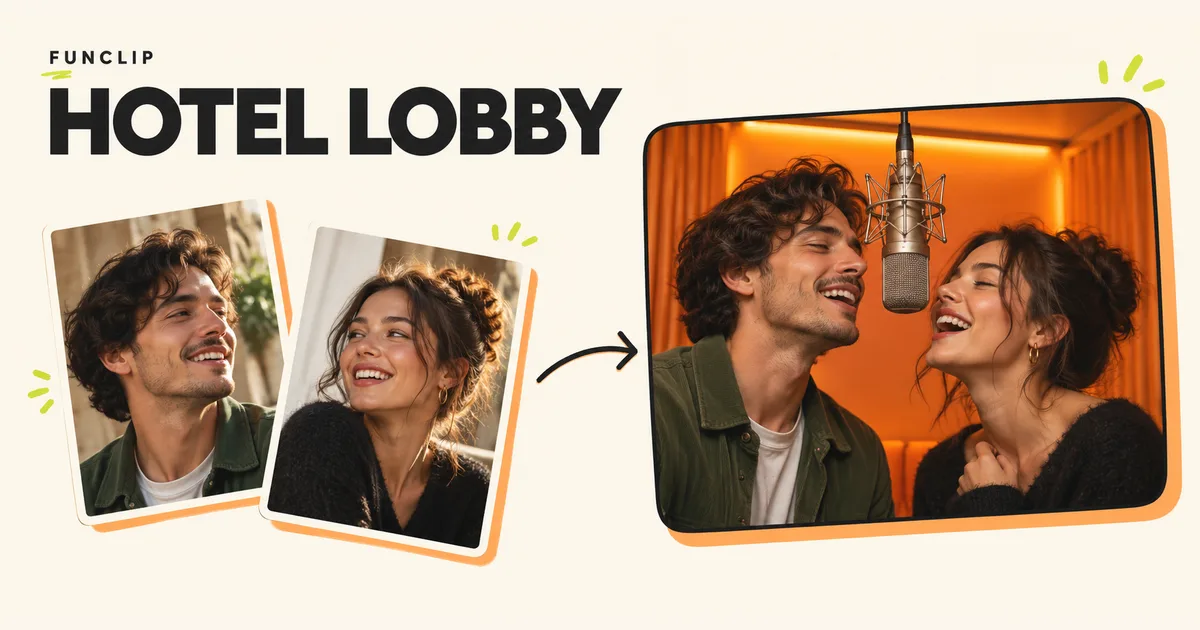
You can try the Hotel Lobby trend without paying by using a tool with a free character-swap allowance, or by filming your own two-person performance. A free editor alone does not mean AI generation is free. FunClip requires purchased credits and has no free trial or signup credits.
A free AI route to check first
Viggle's pricing page lists five free videos per day, limited multi-character sessions and seven-day asset storage, as checked on October 29, 2026. Its plan table reserves watermark removal for paid plans. Check the allowance shown in your account before starting; a free plan is not a promise that every model or two-person workflow is included.
For this trend, the relevant capability is character replacement in a motion clip. Viggle's body-swap guide describes uploading a character image and choosing a template or your own footage. Its Multi-Track option lets you assign people separately. Follow our Viggle Hotel Lobby walkthrough to prepare a two-person attempt.
Start with a short video you have permission to use and two clear character photos. Check whether the current account allows the required multi-person operation before uploading everything. A free single-person swap will not automatically replace both performers. If the needed operation asks for payment, stop there or choose the filming method below.
Make a version with your phone
Filming avoids AI generation charges. You need two willing participants, a phone and a plain orange background. An orange wall is enough; an actual hotel lobby will give you a different look.
- Put the phone on a stable support and frame both people with space above their heads. Check the final portrait or landscape crop before recording.
- Give each person a fixed side. Keep the distance between them consistent so neither face disappears behind the other.
- Record a short exchange with your own words and gestures. A brief greeting or joke is easier to finish cleanly than a whole verse.
- Trim the beginning and end in your phone's editor. Keep a version with your own audio so you have a complete video without needing a commercial recording.
- Watch the saved file, including the last second. Make sure the crop, sound and ending survived the export.
This creates a performance inspired by the orange-stage format. It does not animate still portraits or reproduce the artists' exact movements. For the original reference, use the song and performance resources.
Check the entire free workflow
Before investing time in any free AI video generator, find out what happens after generation. Being allowed to upload a photo is only the first step.
| Check before you begin | Why it matters for this trend |
|---|---|
| Can it replace two people separately? | One identity control may change only one performer. |
| Does your account include the chosen mode? | A free allowance can exclude a particular model or feature. |
| Can you download the finished video? | An in-browser preview may have different export conditions. |
| Is there a watermark? | Decide whether the final mark is acceptable before generating. |
| How long is the result retained? | Save the file before temporary storage expires. |
| What audio will the result contain? | Motion transfer and music availability are separate questions. |
Do not assume a template grants permission to reuse its music. If the original track is essential, check the publishing app's available music and the conditions for your account and intended use. You can also use your own recording. The lyrics and audio guide explains why adding a song later does not repair mismatched mouth movements.
Where FunClip fits
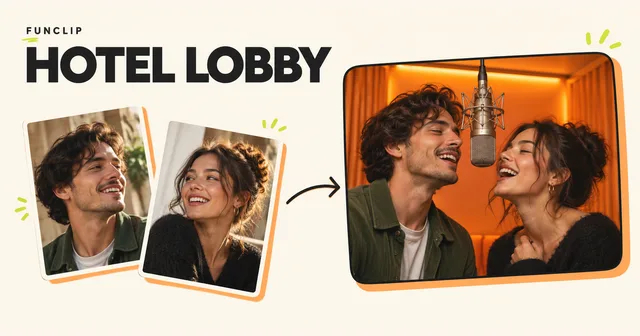
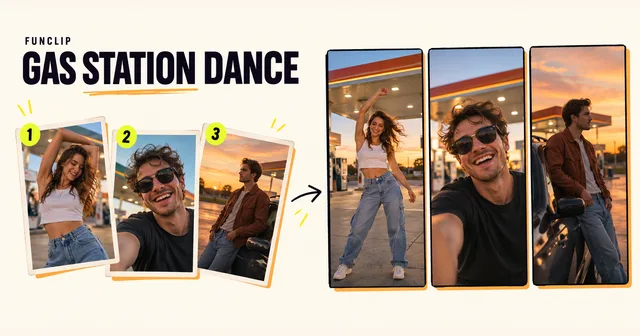
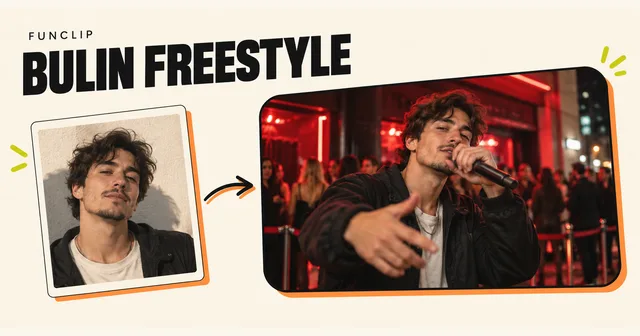
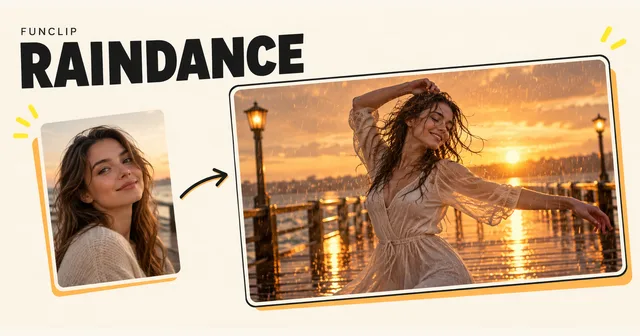
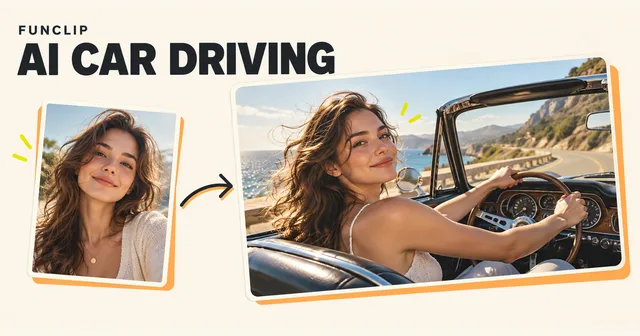
FunClip is a paid option for a new duet from two adult portraits. It generates a 10-second, 768P MP4 in a fixed orange studio, with an optional theme for new English rap. It does not provide the original Hotel Lobby recording, artist voices, exact choreography or an audio-upload control.
You can view the public FunClip examples without buying a generation. The input portraits and resulting videos help you judge the format; they are not a free generation of your own photos. If you decide to buy, review the current one-time packs and the photo-to-video instructions. A completed result that you want to remake uses more credits.
If spending nothing is the requirement, use the free allowance only within its displayed limits or film your own version. There is no FunClip signup trick that unlocks a free completed video.