START WITH YOUR QUESTION
Hotel Lobby Lyrics: Original Song and COLORS Video
Find Hotel Lobby lyrics on Apple Music, watch Quavo and Takeoff’s original COLORS performance, and understand the audio used in AI trend videos.
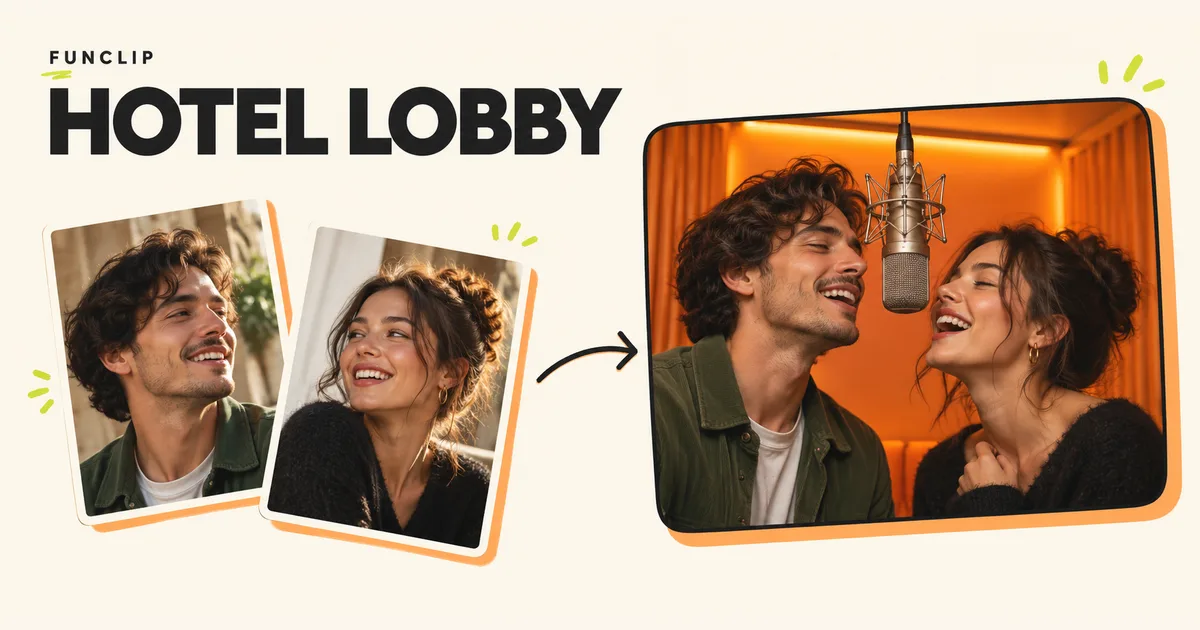
The song behind the orange-room Hotel Lobby trend is “HOTEL LOBBY (Unc & Phew)” by Quavo and Takeoff. The visual reference is their A COLORS SHOW performance. Use the artist recording for song credits and lyrics, and the COLORS performance for the stage and movement reference. They are different recordings, so their timelines need not match.
Find the song, lyrics and original performance
These links take you to the source or a music service, rather than a reuploaded compilation. Resource details were checked on October 29, 2026.
| Resource | What to use it for | Access and format |
|---|---|---|
| Hotel Lobby on Apple Music | Confirm the artist credit and open the service's lyrics view for the studio recording. | Music-service song page; full lyrics require sign-in. Playback availability depends on the service and your region. |
| Quavo & Takeoff: A COLORS SHOW | Watch the original orange-room performance referenced by the trend. | Video on YouTube, linked by COLORS itself; platform access conditions apply. |
| COLORS on the Hotel Lobby AI trend | Read the publisher's explanation of the trend and its response to AI recreations. | Public editorial page from October 10, 2026. |
To find the lyrics, open the Apple Music song page and use its full-lyrics sign-in entry. Confirm that the title is the studio song you want, rather than a remix, mixed DJ version or a different performance. This page provides access directions and context; it does not reproduce the song's lyrics.
Why people call it the Migos trend
People use “Migos Hotel Lobby” as a shorthand for the recognizable duo format. The linked song is credited to Quavo and Takeoff. In its own account of the AI trend, COLORS identifies those two performers and describes the later character-swapped versions of its show.
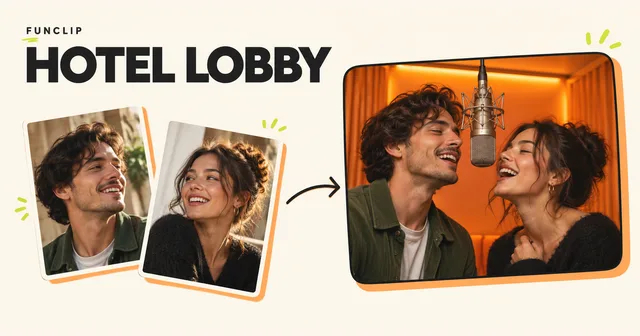
For making a video, the useful distinction is between the music and the visual reference. The orange room, hanging microphone and two-person framing identify the stage format. The recording supplies the words and timing. A new video can resemble the stage while containing entirely different lyrics.
Read the Hotel Lobby and Migos trend explanation if you are choosing between a reference-based recreation and a new personal duet.
Choose the right recording for an edit
Listen to the exact version you plan to use before lining it up with a clip. A song title alone does not identify the same starting point, edit or performance.
For an edit you are entitled to make, compare a recognizable gesture near the beginning and another near the end. If both are offset by the same amount, check the start position. If the first aligns and the second does not, check the duration and playback speed. Generated movement can also differ from the reference; shifting the audio will not repair every mismatch.
The Kapwing workflow guide explains its separation of reference-driven generation and audio editing. For another editor, use the same practical check: review the complete exported file with sound before posting it.
Does FunClip include the original lyrics?
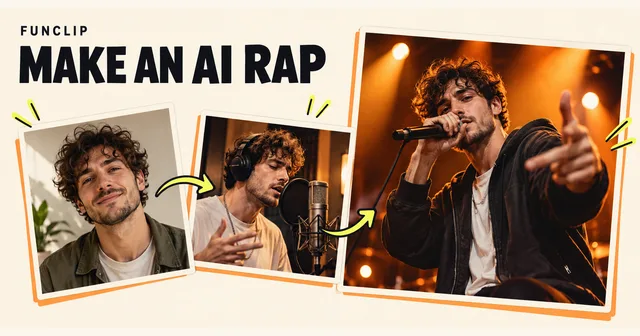
No. FunClip's Hotel Lobby generator creates a new performance from two adult photos. An optional theme guides new English rap; it is not an exact-lyrics editor. FunClip does not provide the original Hotel Lobby recording or clone the artists' voices. Exact wording, pronunciation, sound and lip-sync can vary.
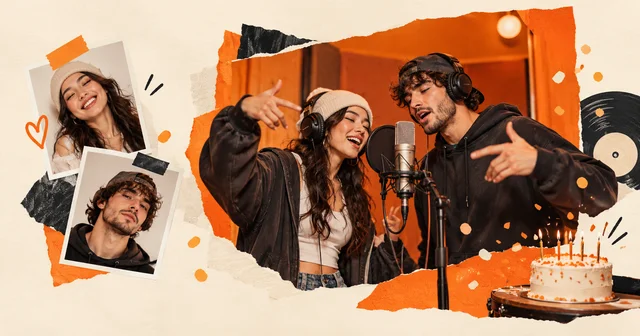
For example, “a birthday duet for Alex, friends since college” is a topic suggestion for new words. It does not instruct the generator to sing a particular verse of the commercial song. Watch the FunClip examples with sound before purchasing a video.
Replacing the audio of that new performance with the original track does not make its mouth movements match. If an exact song moment is central to your idea, settle the recording and motion workflow before paying for a new generation.
Use the resources without confusing access with permission
The links above let you identify, watch or listen to the source. They are not a downloadable music license, a promise of commercial-use rights or permission to rehost the performance. Follow the source service and publishing platform's conditions for your intended use. For a self-contained alternative, record your own short performance and audio, or make a new personal duet with consenting adults.
Need the next step? See free ways to make a version, or the FunClip photo-to-video tutorial for a paid original duet.