START WITH YOUR QUESTION
Hotel Lobby Trend in Kapwing: Photos, Motion and Audio
Prepare two character references for the Hotel Lobby trend in Kapwing, review the motion setup, and check the audio edit before exporting.
Kapwing's Hotel Lobby workflow separates character appearance, performance motion and the final audio edit. Its published tutorial uses two character sheets and a motion-reference clip, followed by an editing step. Choose this route when you want control over a reference-based recreation and are prepared to assemble those assets.
Start from the official workflow
Open Kapwing's Hotel Lobby tutorial for its current tools and linked resources. The instructions checked on October 29, 2026 use Kai with Seedance 2.5. They ask you to create a sheet for each person, attach a simplified motion clip, generate the performance, then add audio in the editor. Kapwing displays a generation cost before confirmation; opening a template does not establish that the complete workflow is free.
Keep the tutorial open while working. Use its current resource links rather than an old social post's download mirror. A model, template or control mentioned in an older video may have moved or changed.
Prepare two identities you can keep apart
Pick one clear reference photo per person and decide who will occupy each side. You should be able to identify the left and right performer without relying on clothing alone. Save your inputs with useful filenames such as alex-left and sam-right.
When reviewing a character sheet, look at more than the large front-facing portrait. Check the nose and jaw in profile, the hairline, and whether the full-body views show the same adult. A sheet with conflicting faces gives the video conflicting instructions. Do not treat extra views as automatically better: they are useful only when they agree.
Choose clothing before you generate the video. A distinctive jacket or shirt can help you spot whether the identities cross over during movement. Avoid changing the face, outfit and placement at the same time after a failed attempt; you will have trouble seeing which adjustment helped.
Assign references deliberately
Kapwing's documented attachment order is the motion clip, the right performer's sheet, then the left performer's sheet. Follow the media labels shown in the current plan and inspect the proposed generation before confirming. Its tutorial distinguishes the video reference's movement from the character sheets' appearance, then uses the linked audio template after generation.
That role separation is the useful idea to carry into your project. Before spending credits, write down three answers:
- Which file determines movement and timing?
- Which file belongs to each performer?
- Which details describe the setting and framing?
If two instructions disagree about someone's side, resolve them before submitting. If an attachment is missing, do not expect a text name to identify the intended face.
Inspect the edit before export
Watch the whole result once without sound, then again with sound. The silent pass makes identity changes easier to spot. The audio pass reveals whether the gestures and mouth movements fit the chosen recording.
| What you see | What to inspect next |
|---|---|
| The right face appears on the left | Reference assignment and the side named in the generation plan. |
| A face changes after a head turn | Profile views in the corresponding character sheet. |
| Both people move correctly but the sound feels late | The start position of the clip and audio in the editor. |
| The beginning aligns but the ending drifts | Clip duration, playback speed and whether the movement timing changed. |
| A hand briefly covers or distorts a face | The affected frames; a crop or audio adjustment cannot restore missing facial detail. |
These are review checks, not a promise that a particular edit can fix a generated defect. Keep the original export before making trims. Compare a revised file against it so that a better beginning does not hide a worse ending.
Audio and sharing
Use the original-song resource guide to distinguish the studio track from the COLORS performance. A template's audio placement and your permission to publish that recording are separate matters. Review the service and destination platform's terms for your intended use.
A generated clip with a new rap cannot be made to lip-sync perfectly to the original song just by replacing its audio. For a reference-based edit, verify both the opening alignment and later phrases before exporting.
A simpler photo-only alternative
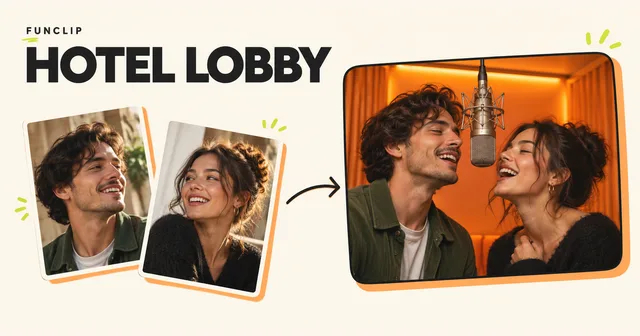
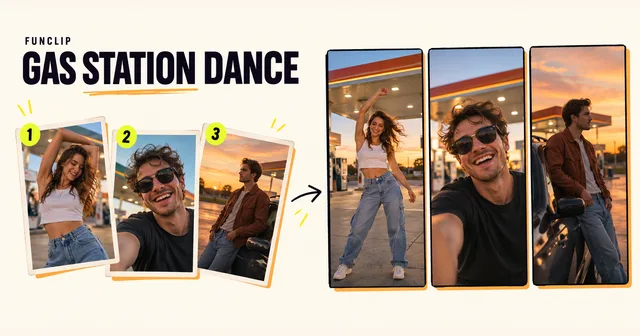
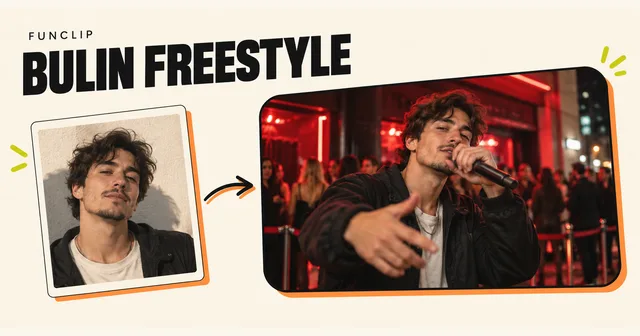
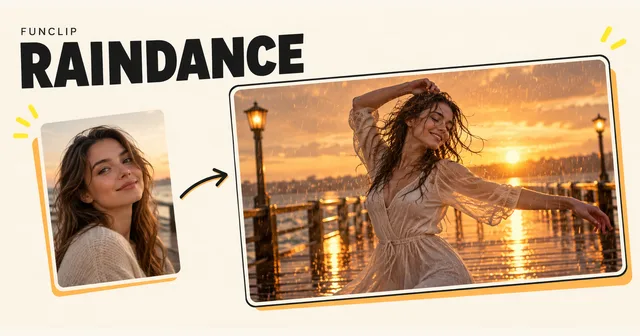
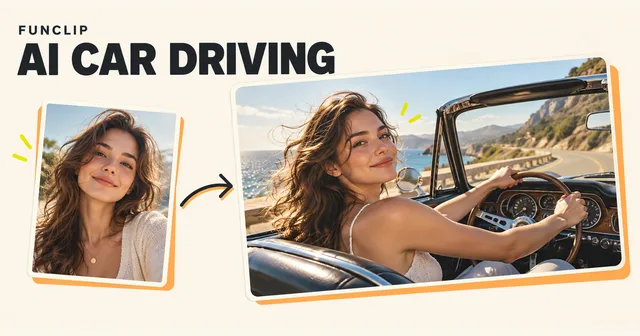
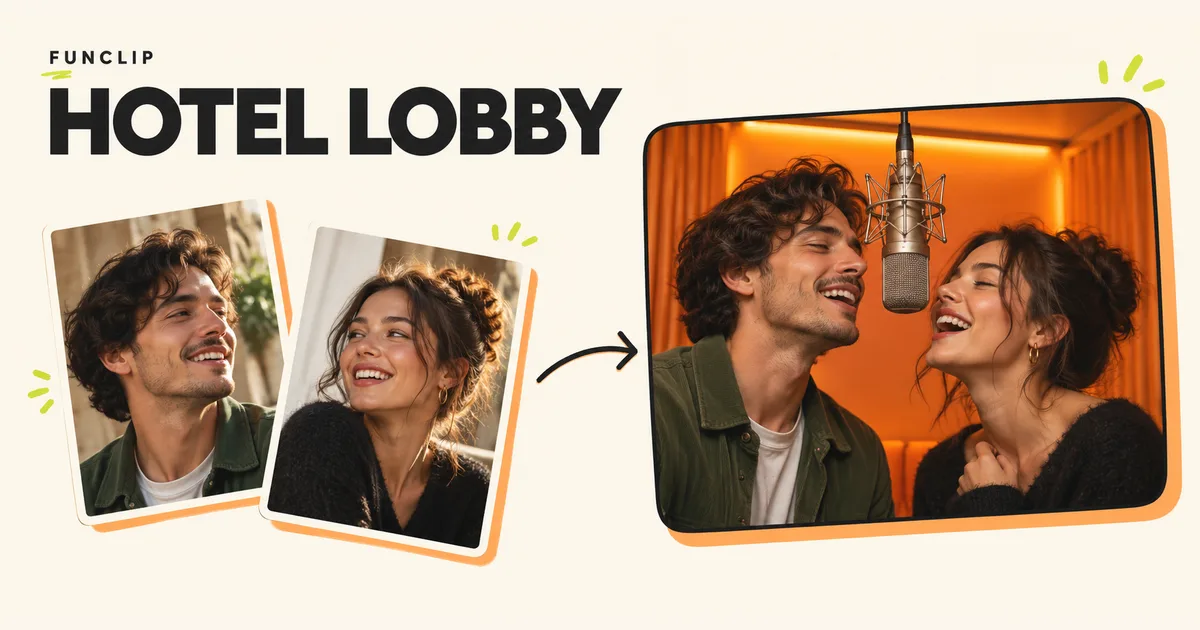
If your goal is a personal orange-studio duet with a new rap, FunClip's Hotel Lobby tool accepts two adult portraits and generates a 10-second 768P MP4. It needs a paid credit pack. There is no character-sheet assembly or music-upload step, and it does not reproduce the original recording or exact choreography.
Compare the public FunClip examples with the result you want before choosing. Use the FunClip tutorial for its own controls, or continue with Kapwing's linked tutorial for its reference-and-editor workflow. The two methods have different outputs; neither service's demonstration guarantees your result.